Skip to content
RoseBook logoRoseBook
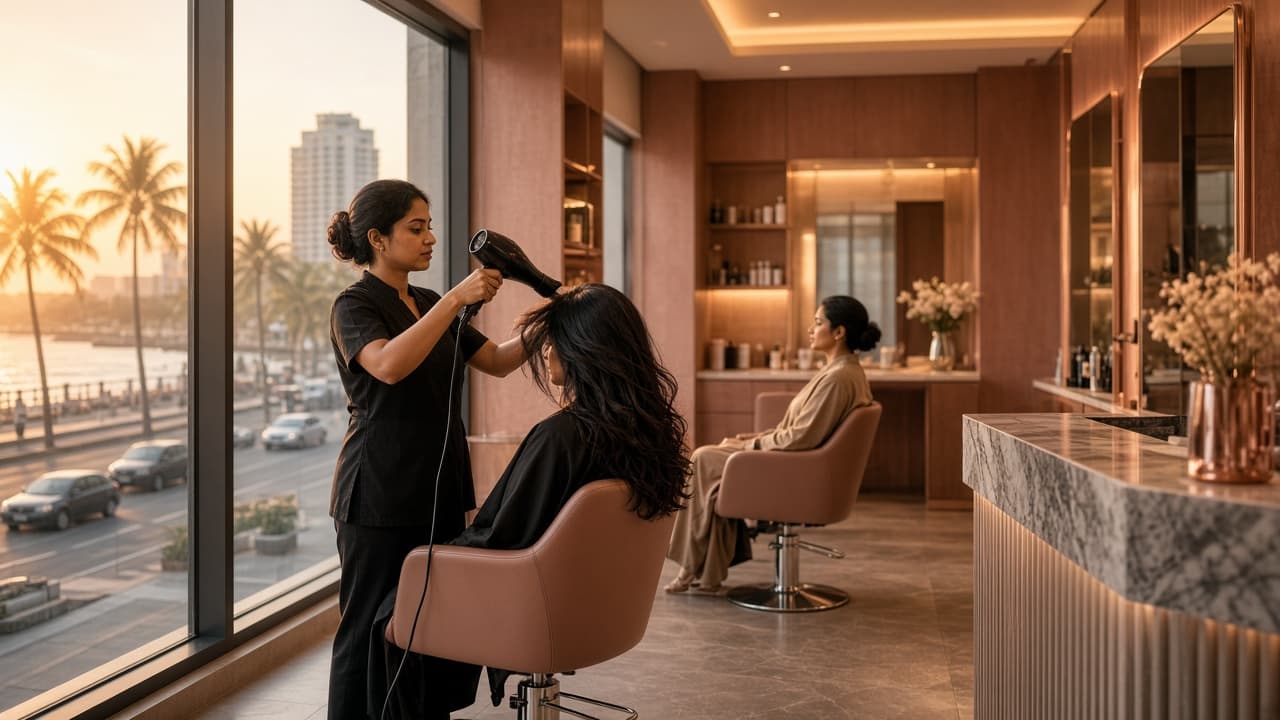
A stylist finishing a client's hair in a bright salon at sunset.

Salon software · Sri Lanka

Appointments. The till. The day’s costs.

RoseBook runs the chair, the sale, and the expenses.

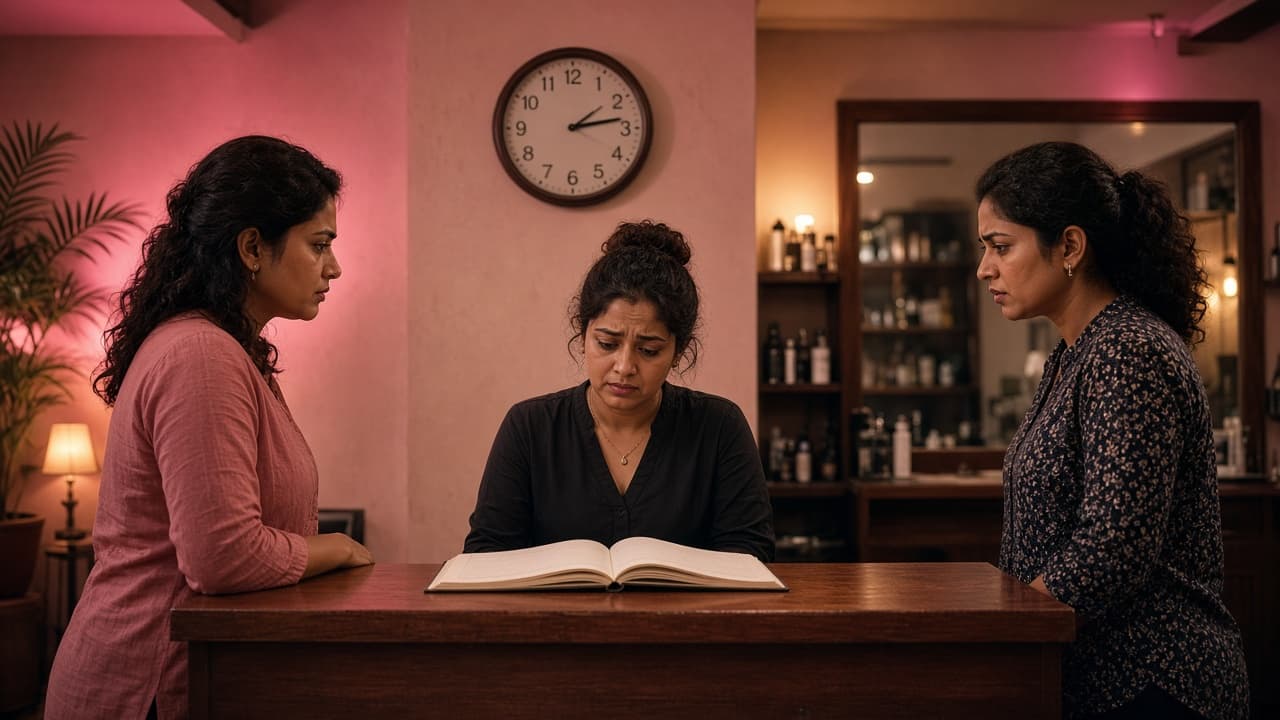
Two clients at a salon reception while the receptionist searches a paper diary for the same appointment.

01 · Appointments

Two clients. One chair.

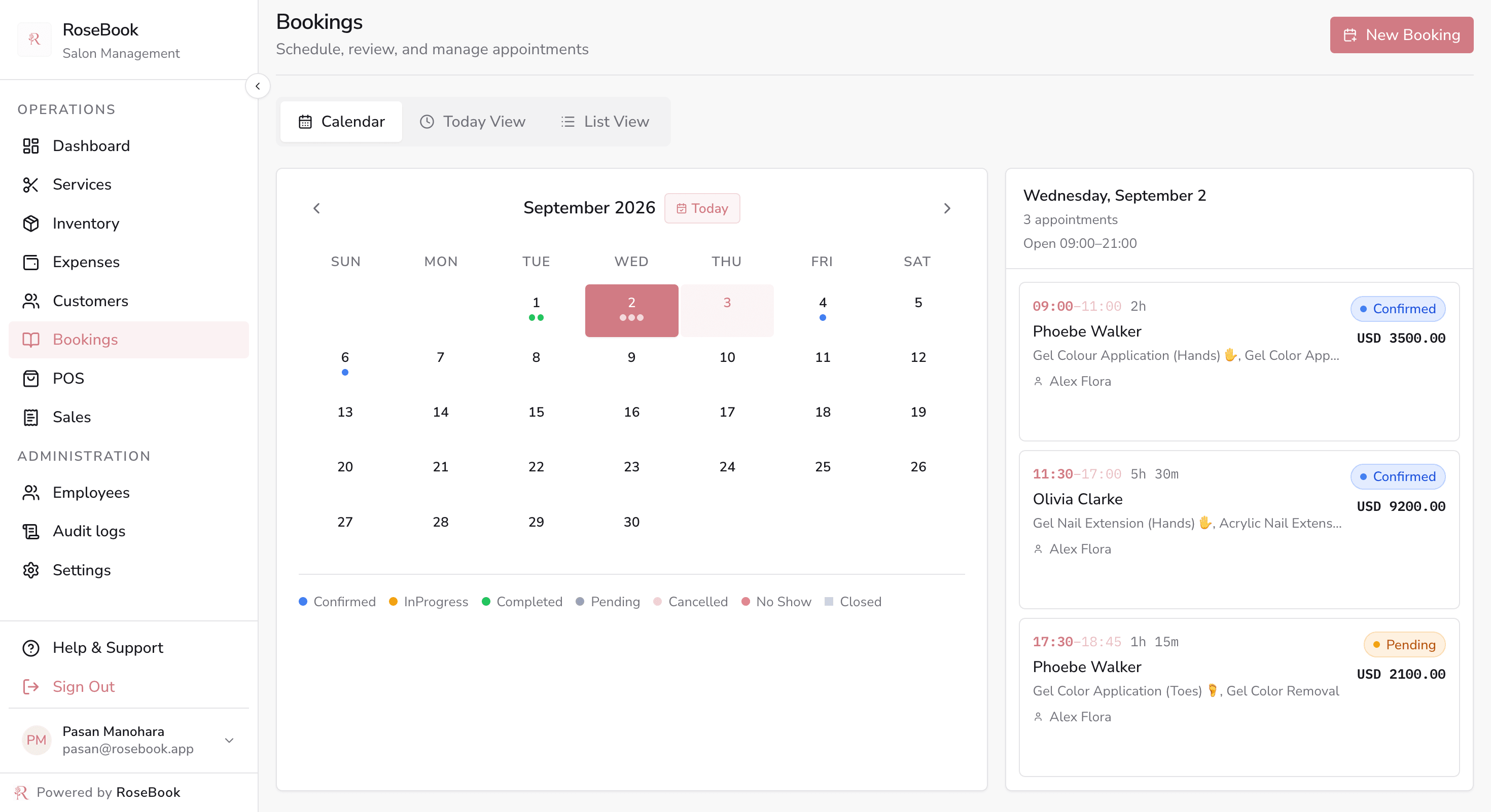
RoseBook keeps one calendar, so a taken chair cannot be booked again.
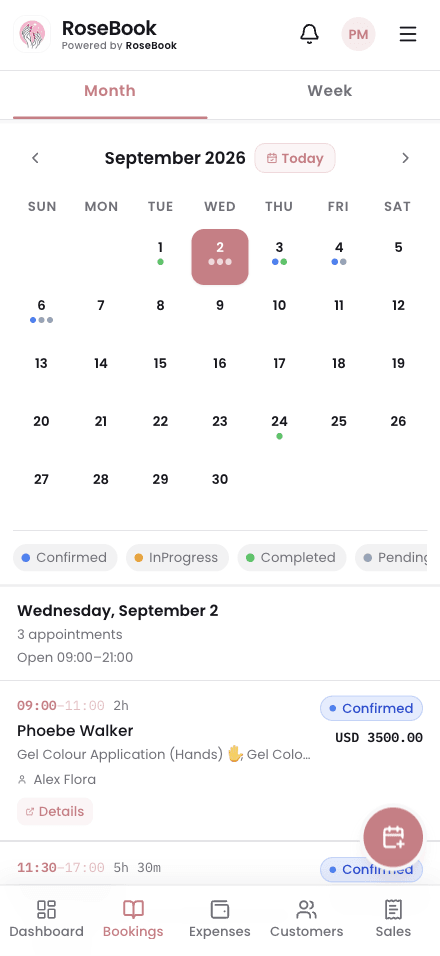
RoseBook bookings calendar for September with colour-coded appointment statuses and the selected day's appointments

Calendar · The shared salon appointment book
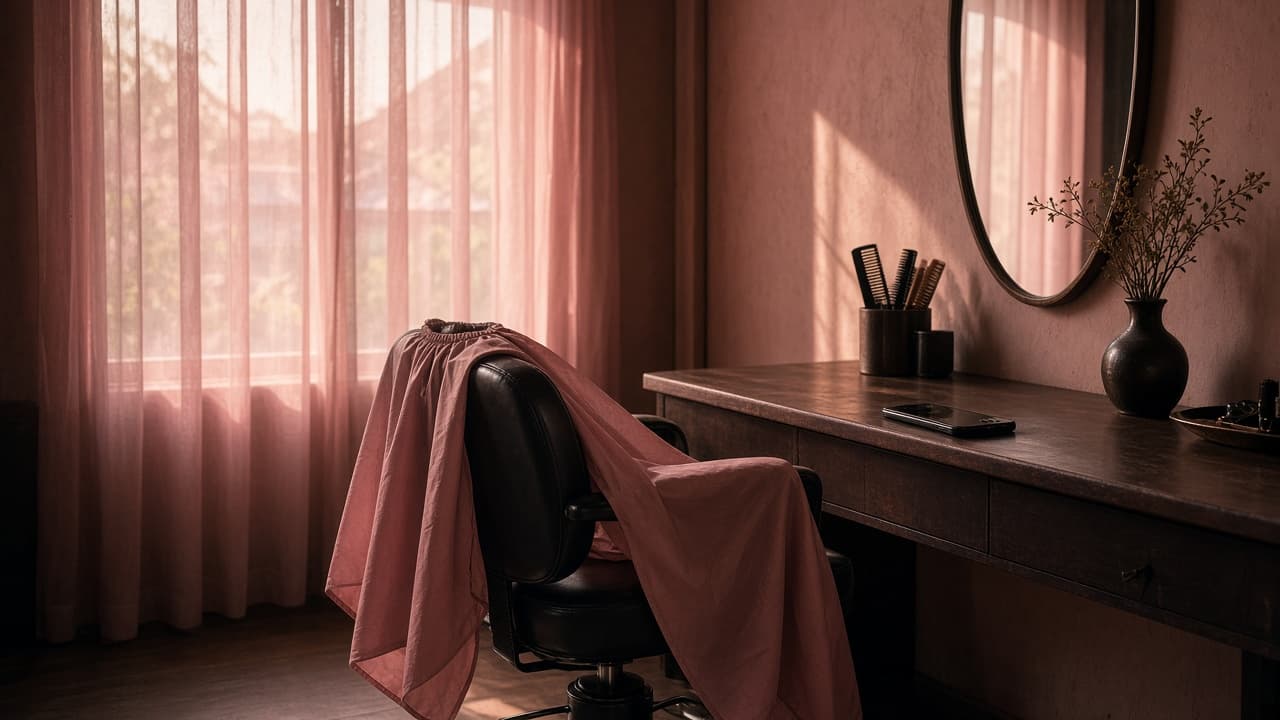
An empty styling chair with an unused cape and a phone left face down on the counter.

02 · Appointments

They booked. They never came.

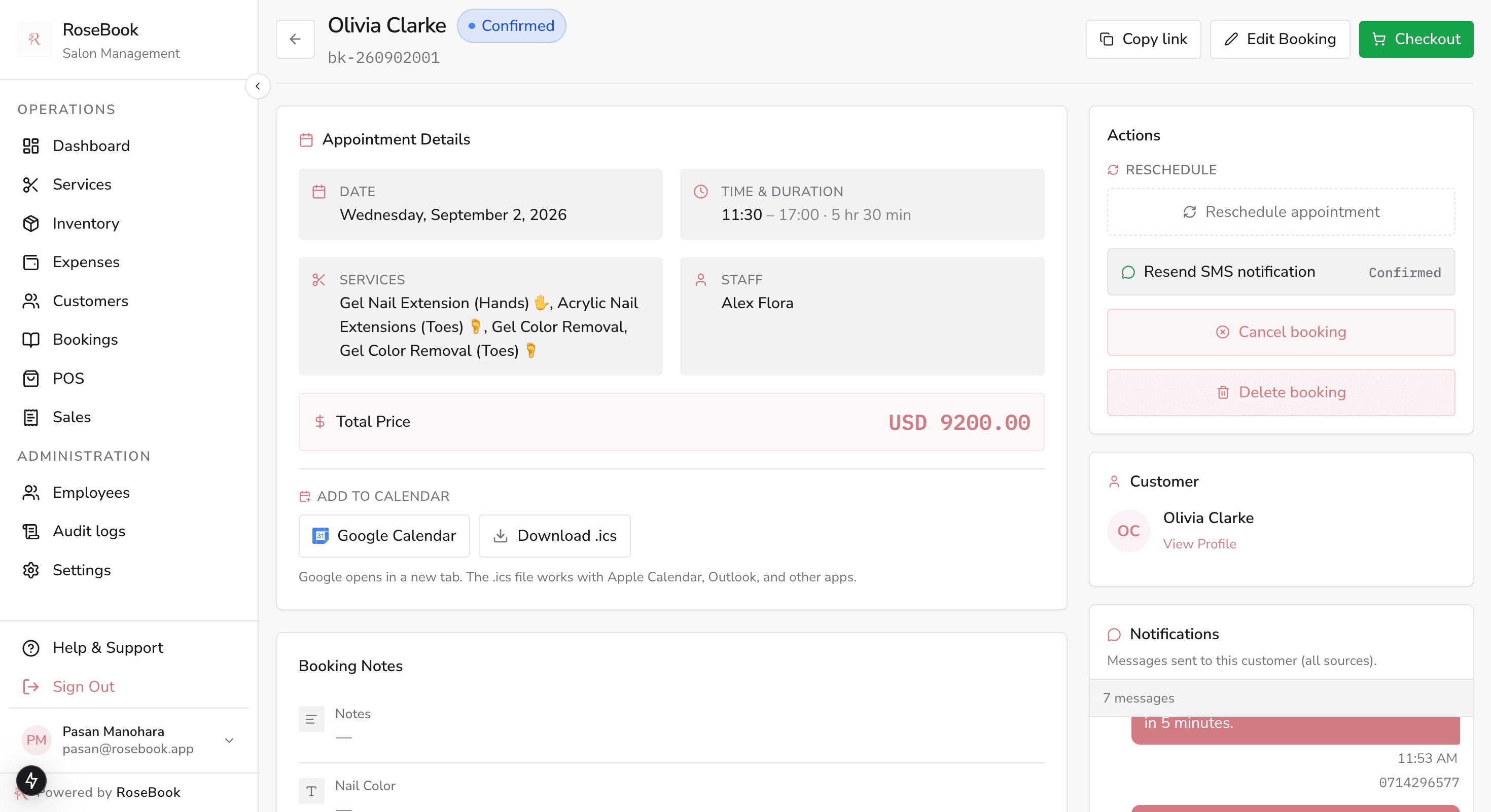
RoseBook sends a reminder before the visit. Reschedule is one tap.
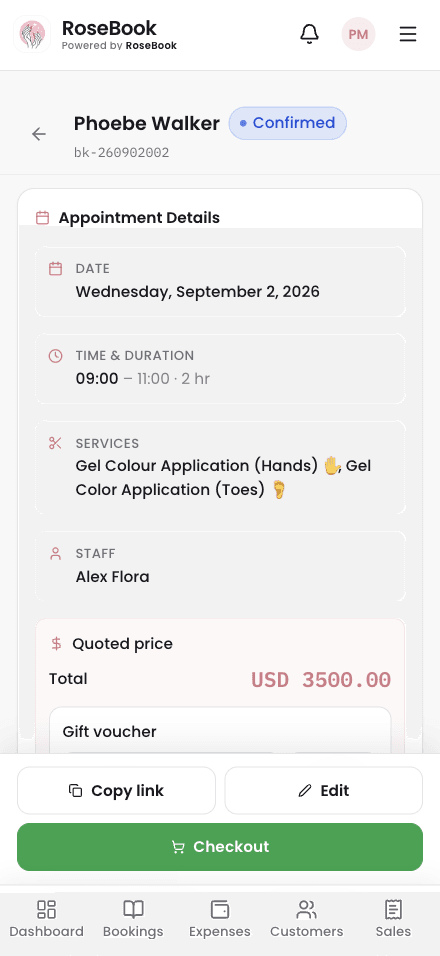
RoseBook appointment detail with services, staff, price, SMS notifications and a checkout action

Booking · Confirm, SMS, reschedule or check out
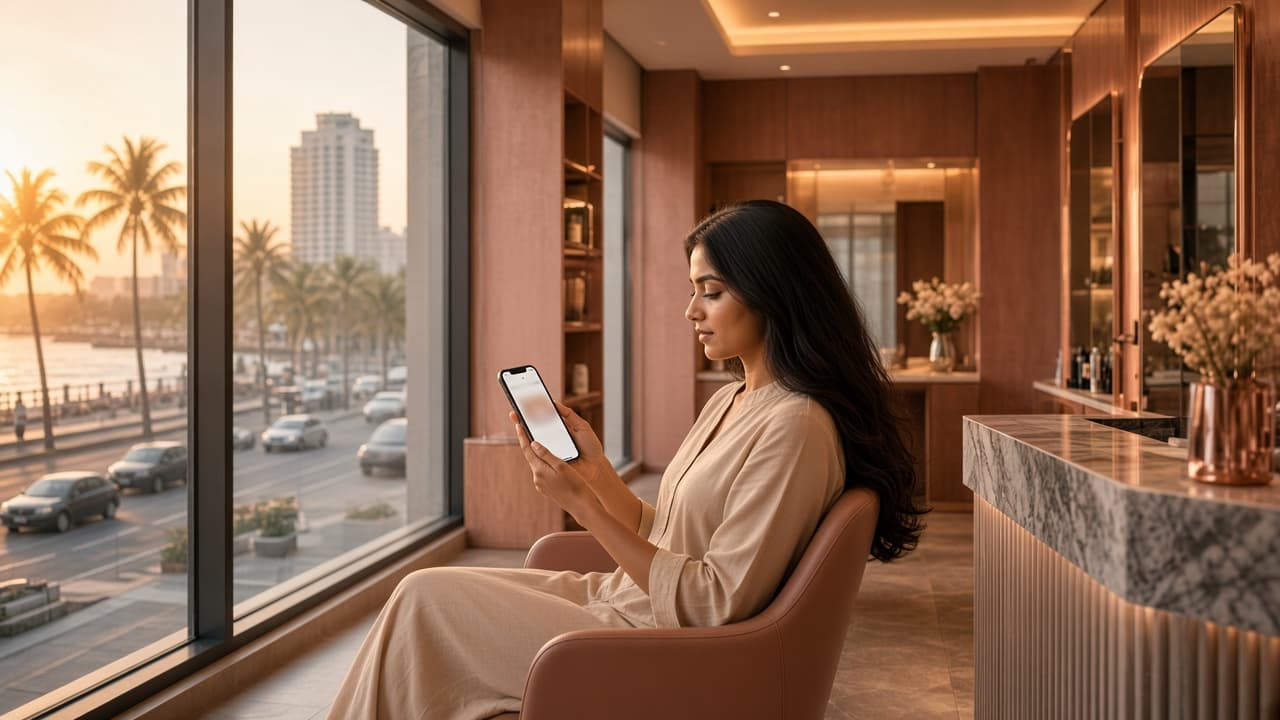
A client in a salon lounge booking an appointment on her phone.

03 · Appointments

Booking still means a phone call.

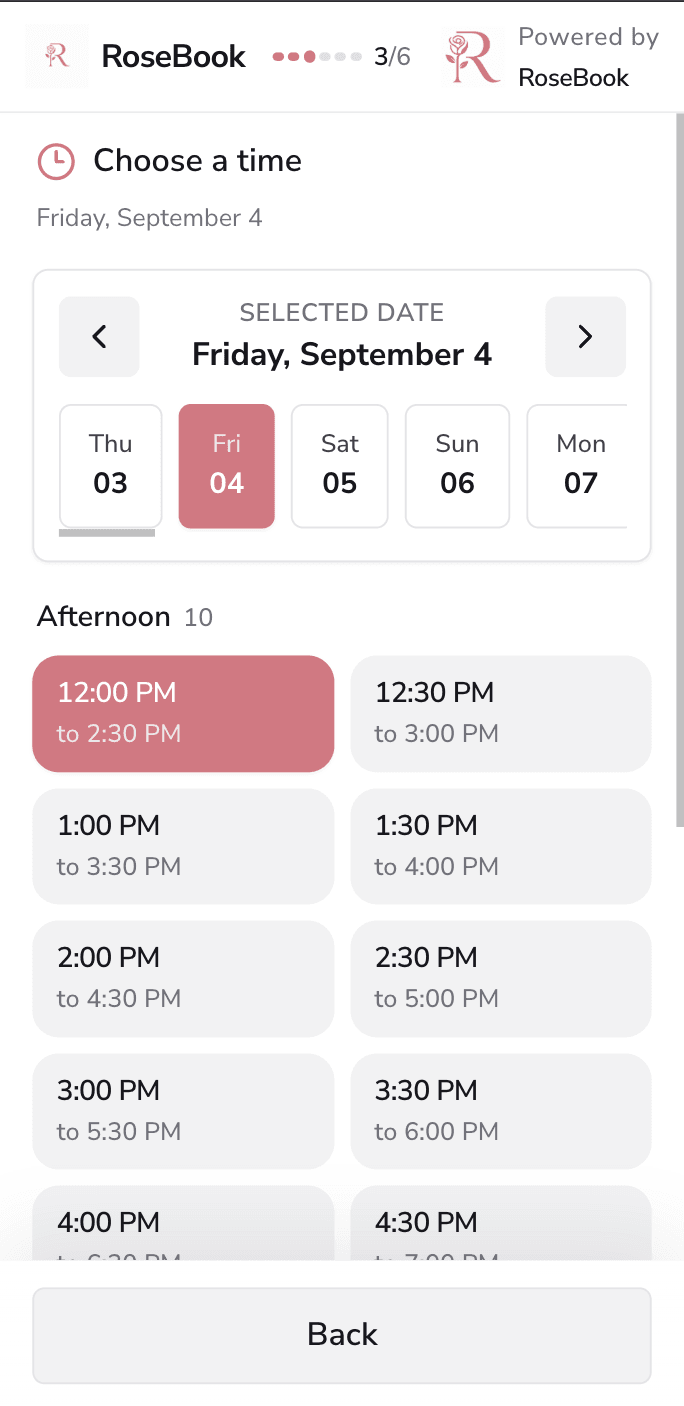
Clients make the appointment on their phone or a desktop.

Phone
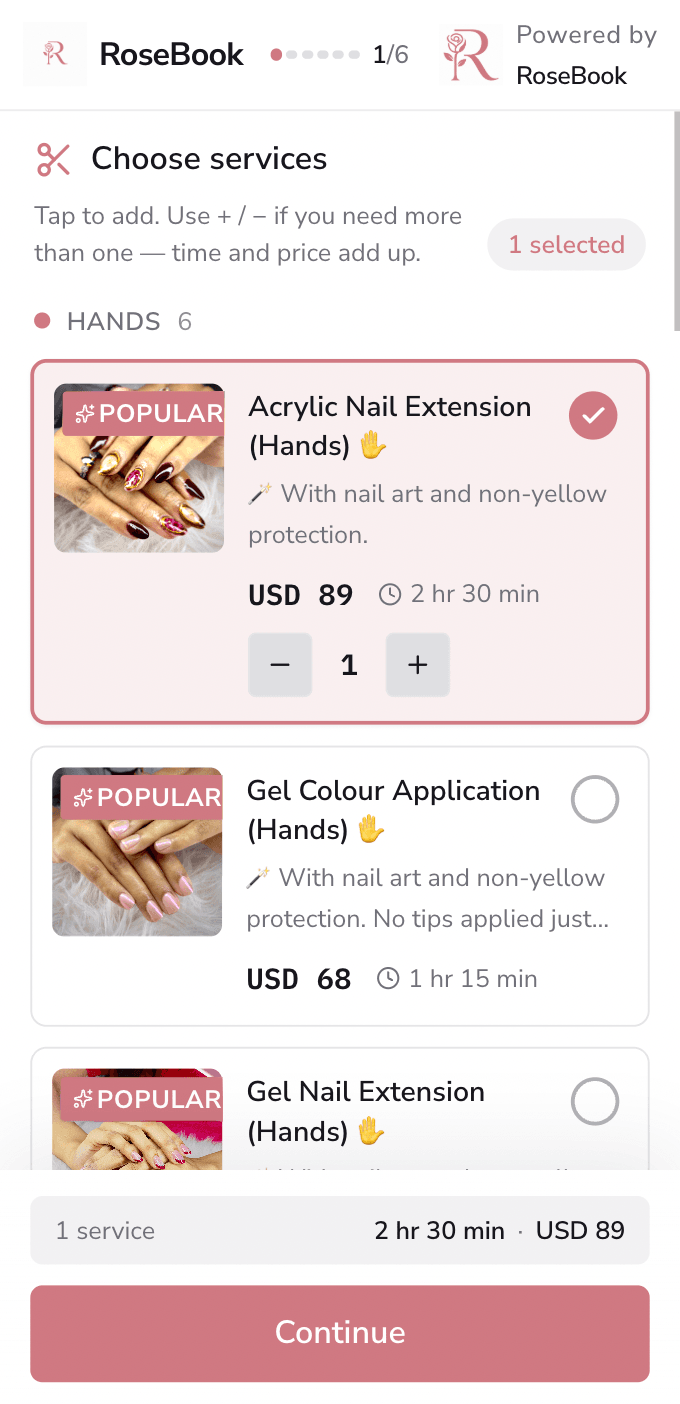
RoseBook booking page on a phone, where a customer selects salon services
RoseBook booking page on a phone, showing available dates and appointment times
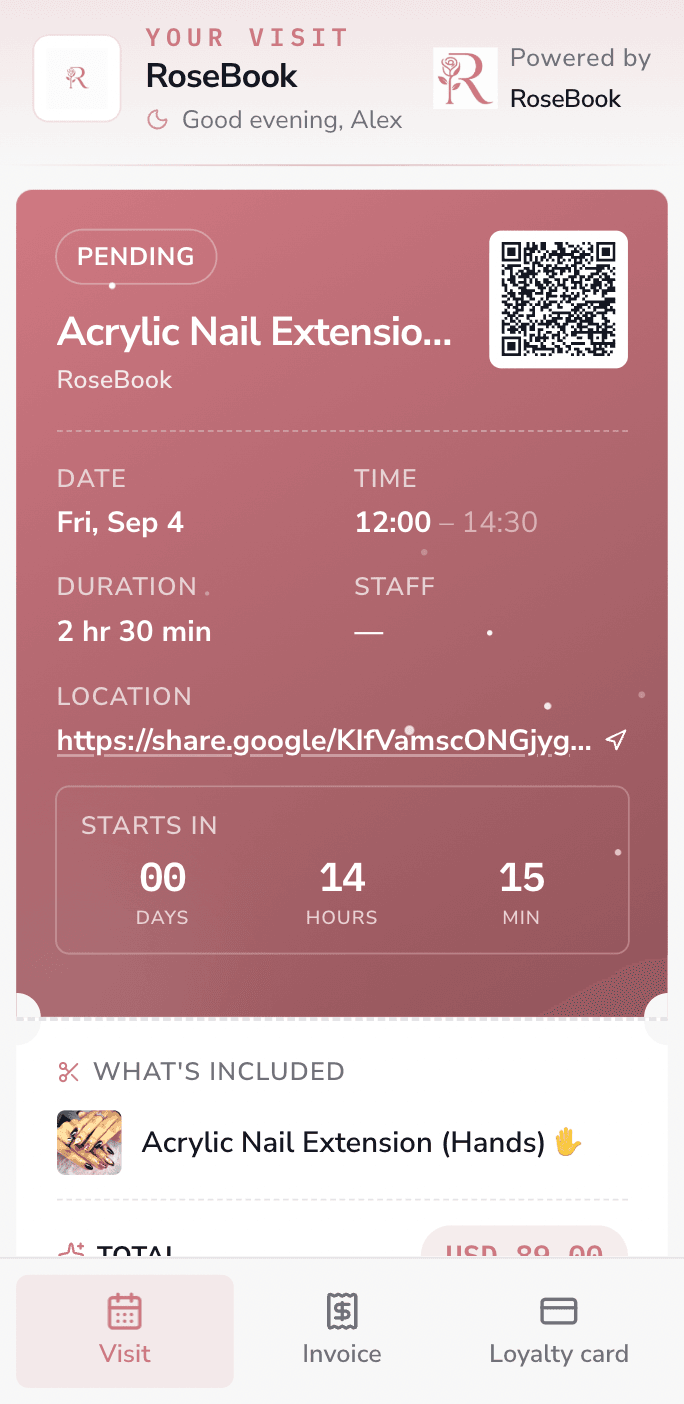
RoseBook confirmed appointment on a phone, with the visit details
Desktop
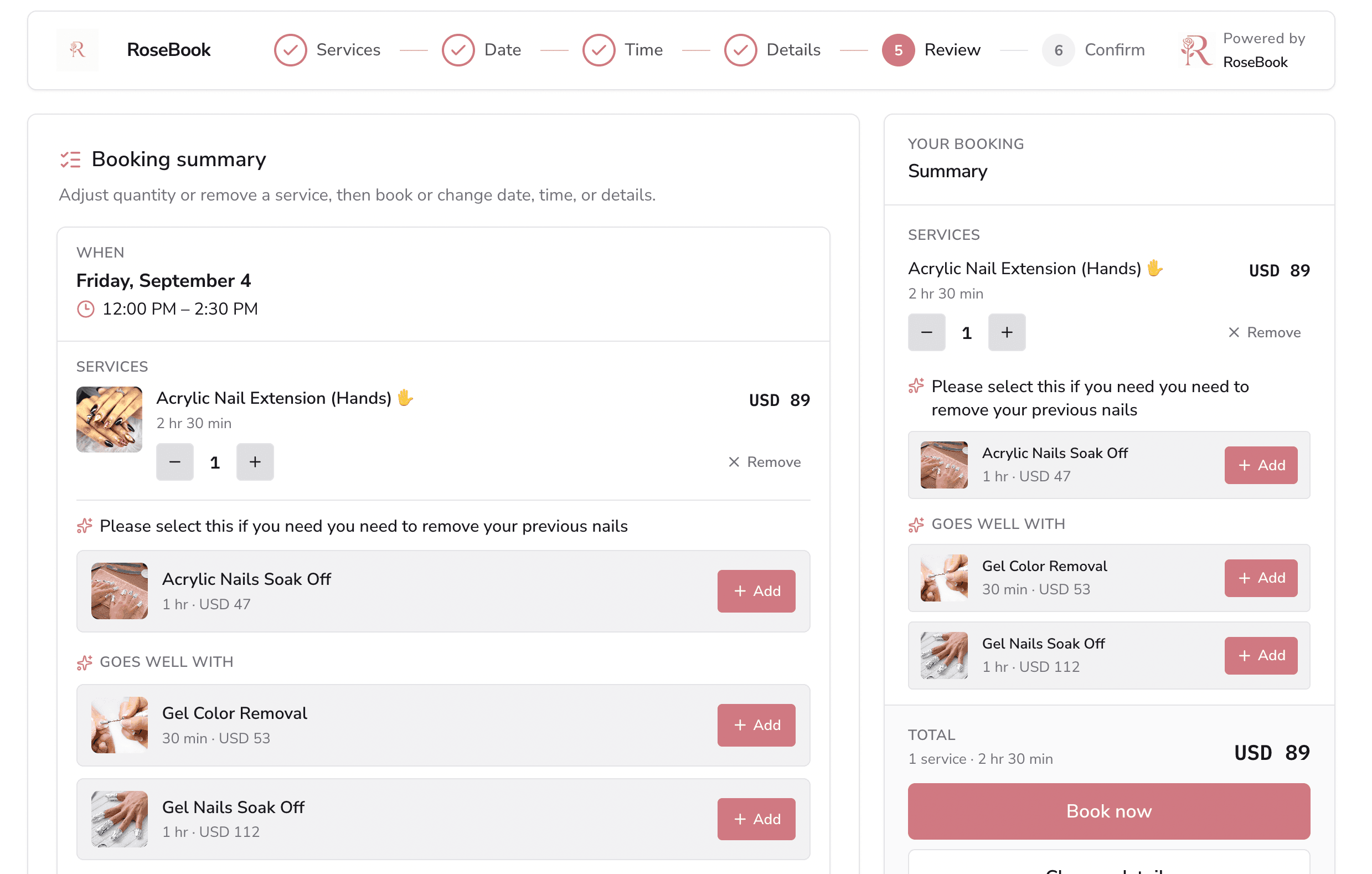
RoseBook booking page on a desktop, with the selected appointment, service, and total
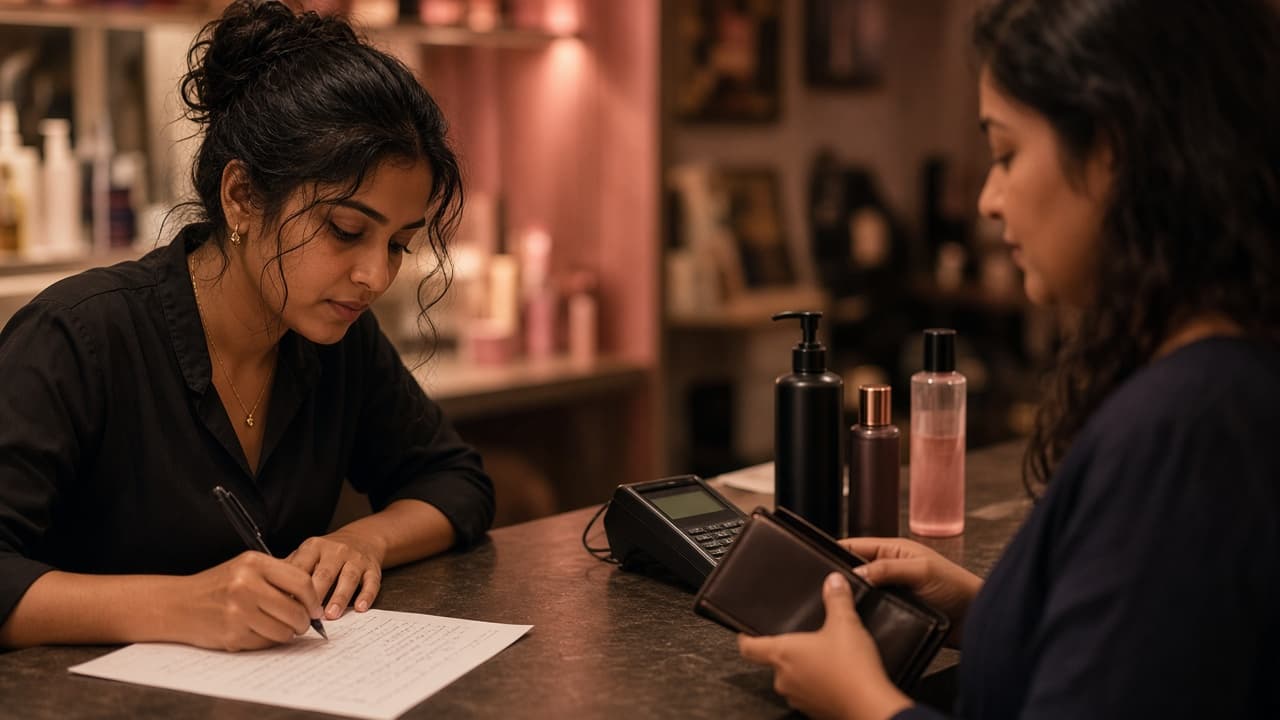
A receptionist handwriting a bill while a client waits at the counter with a wallet.

04 · POS

The cut is done. The bill is not.

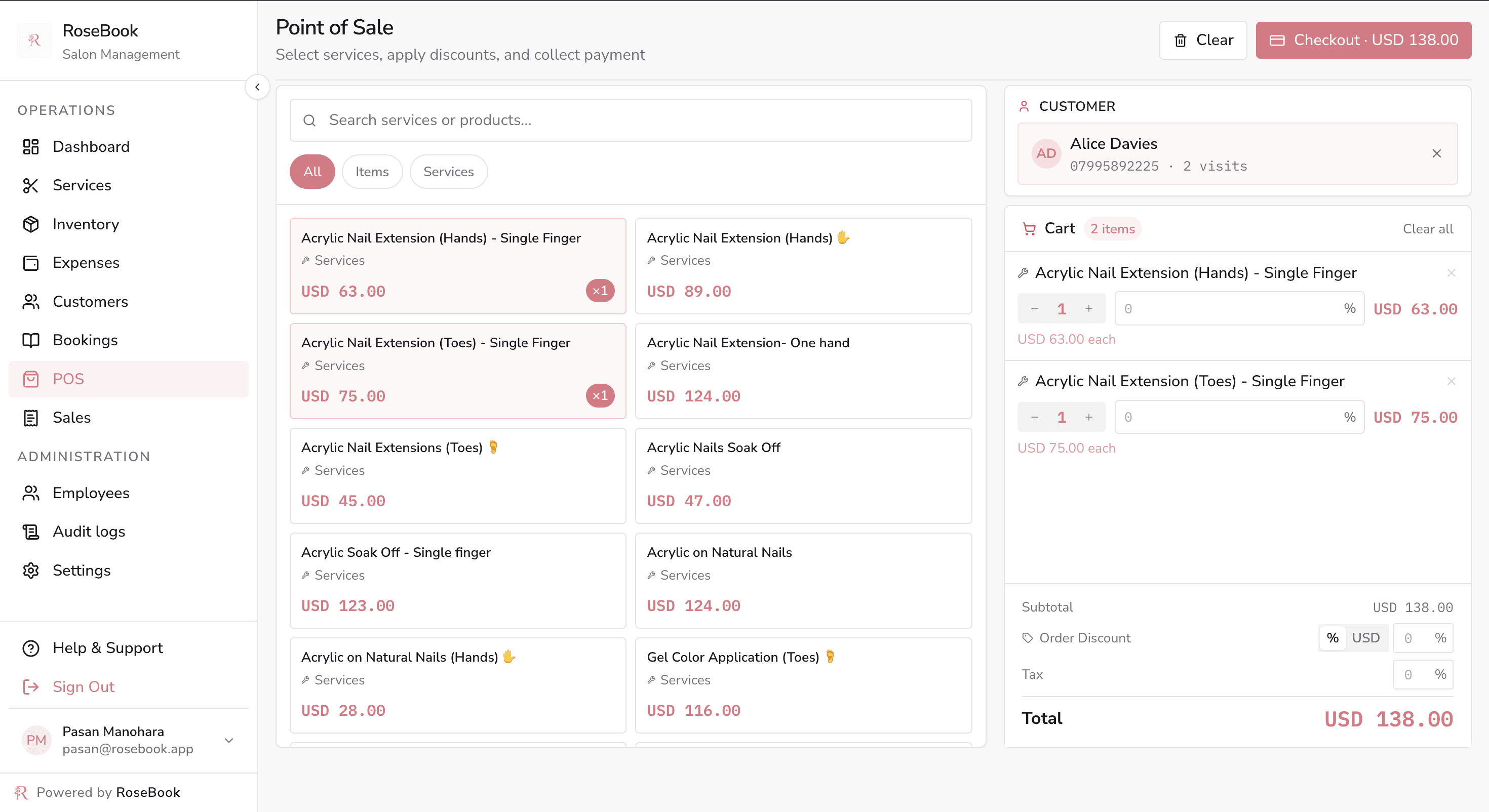
RoseBook opens the till with that appointment already on the bill.
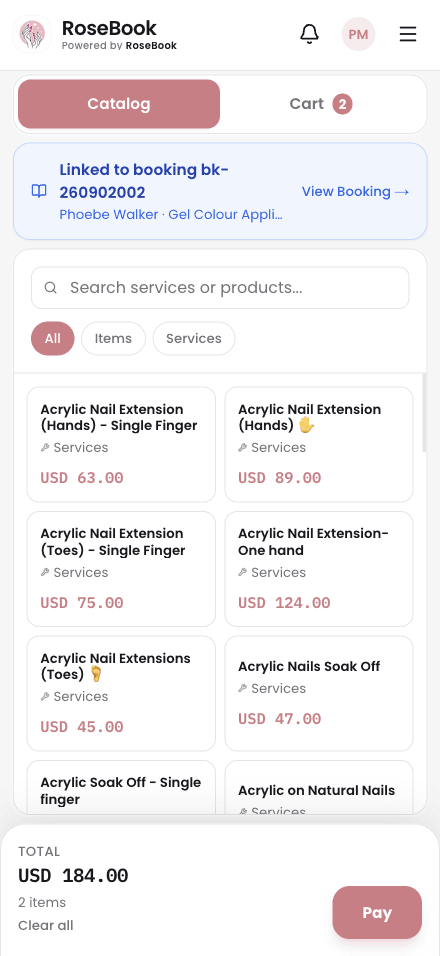
RoseBook point of sale with a searchable service grid, cart, discounts, tax and checkout total

POS · Services and retail on one bill
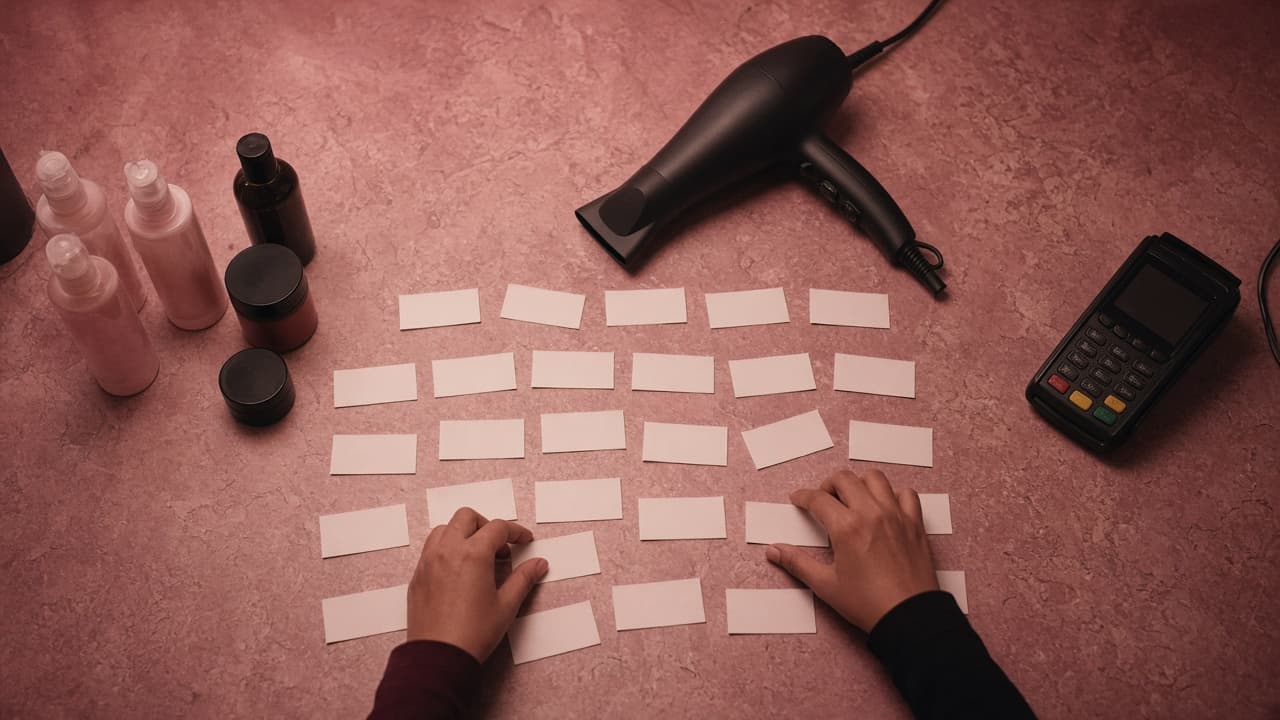
Hands sorting blank paper slips beside salon products, a hair dryer, and a card machine.

05 · POS

Nothing on the counter adds up.

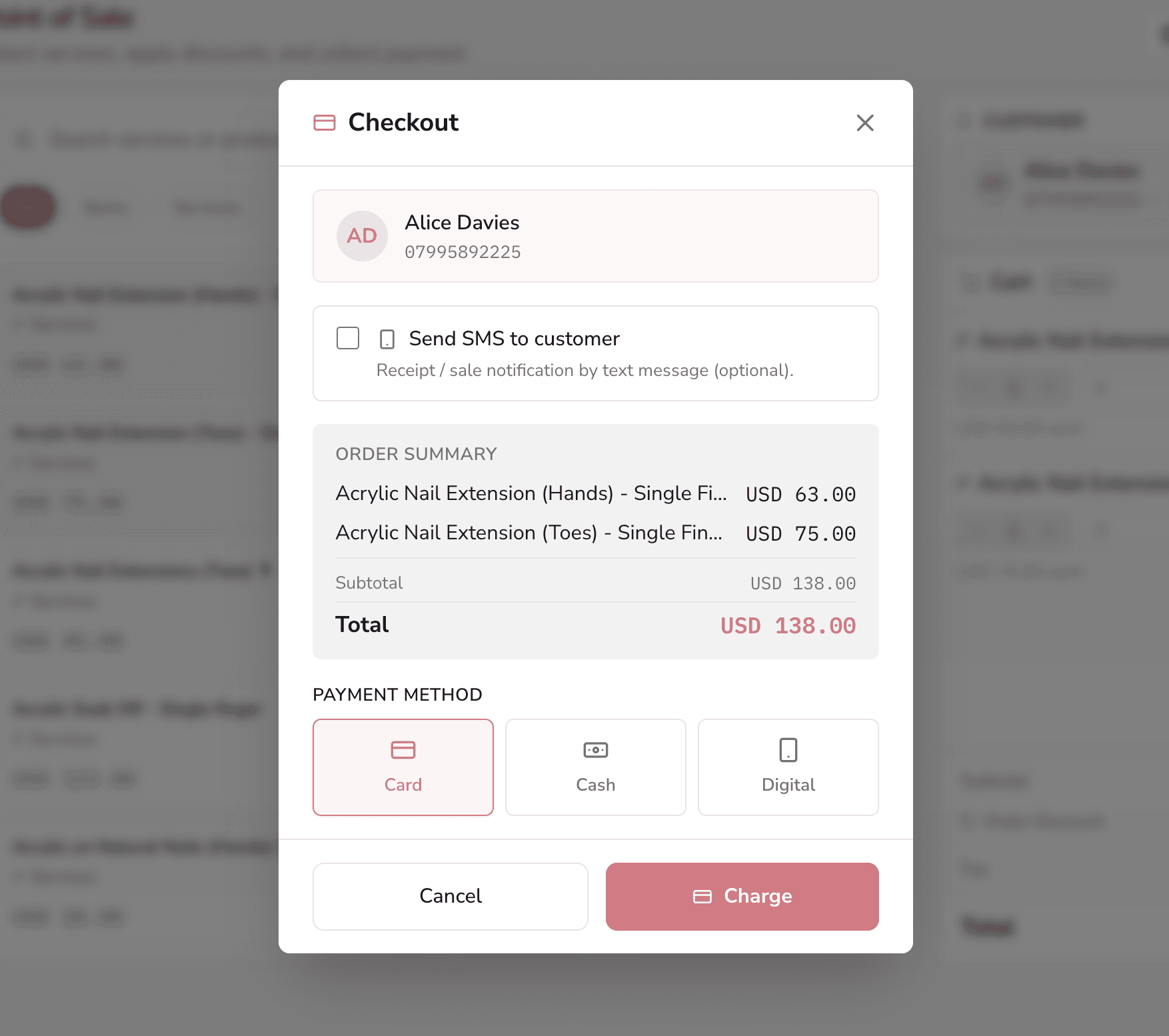
RoseBook puts the service, the product, and the tax on one sale.
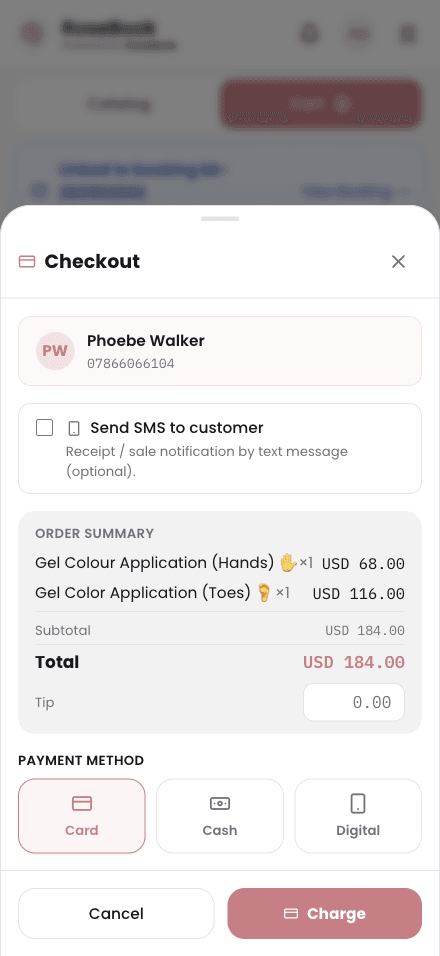
RoseBook checkout dialog with customer details, order summary, card cash or digital payment, and optional SMS receipt

Checkout · Card, cash or digital — then SMS the receipt
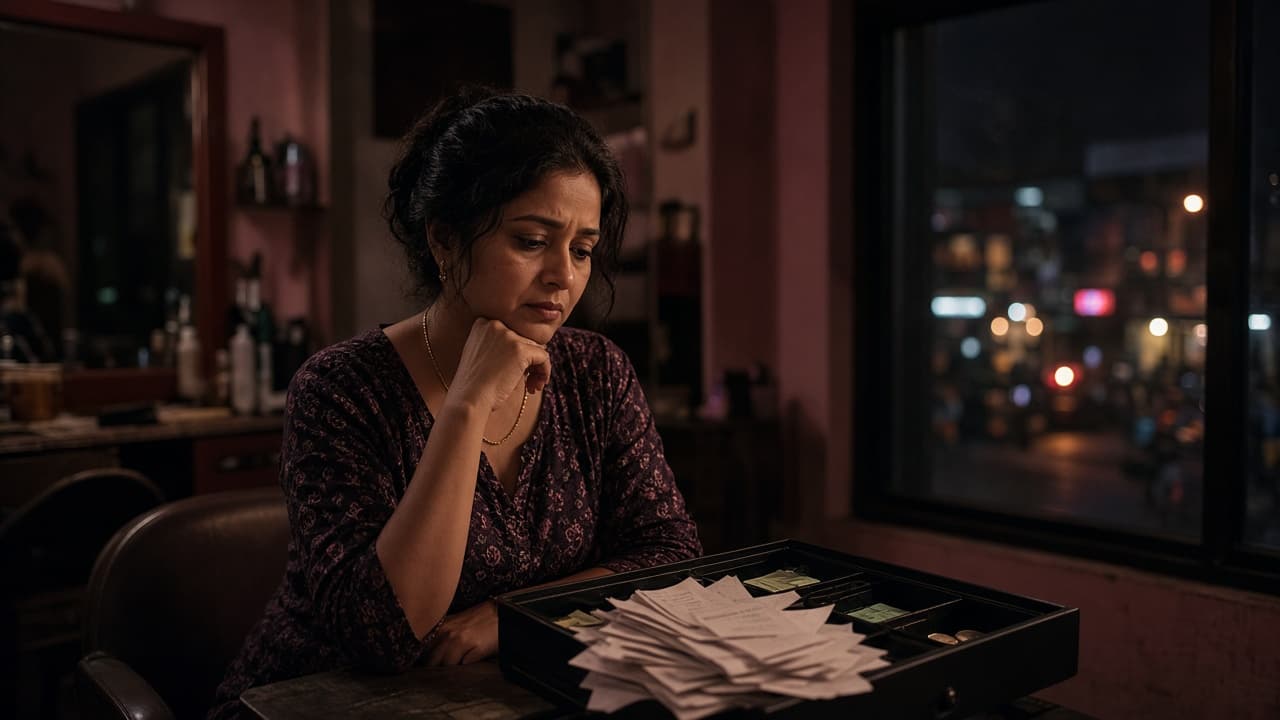
A salon owner at closing time beside an open cash drawer piled with receipts.

06 · Expenses

You locked up. You still don’t know.

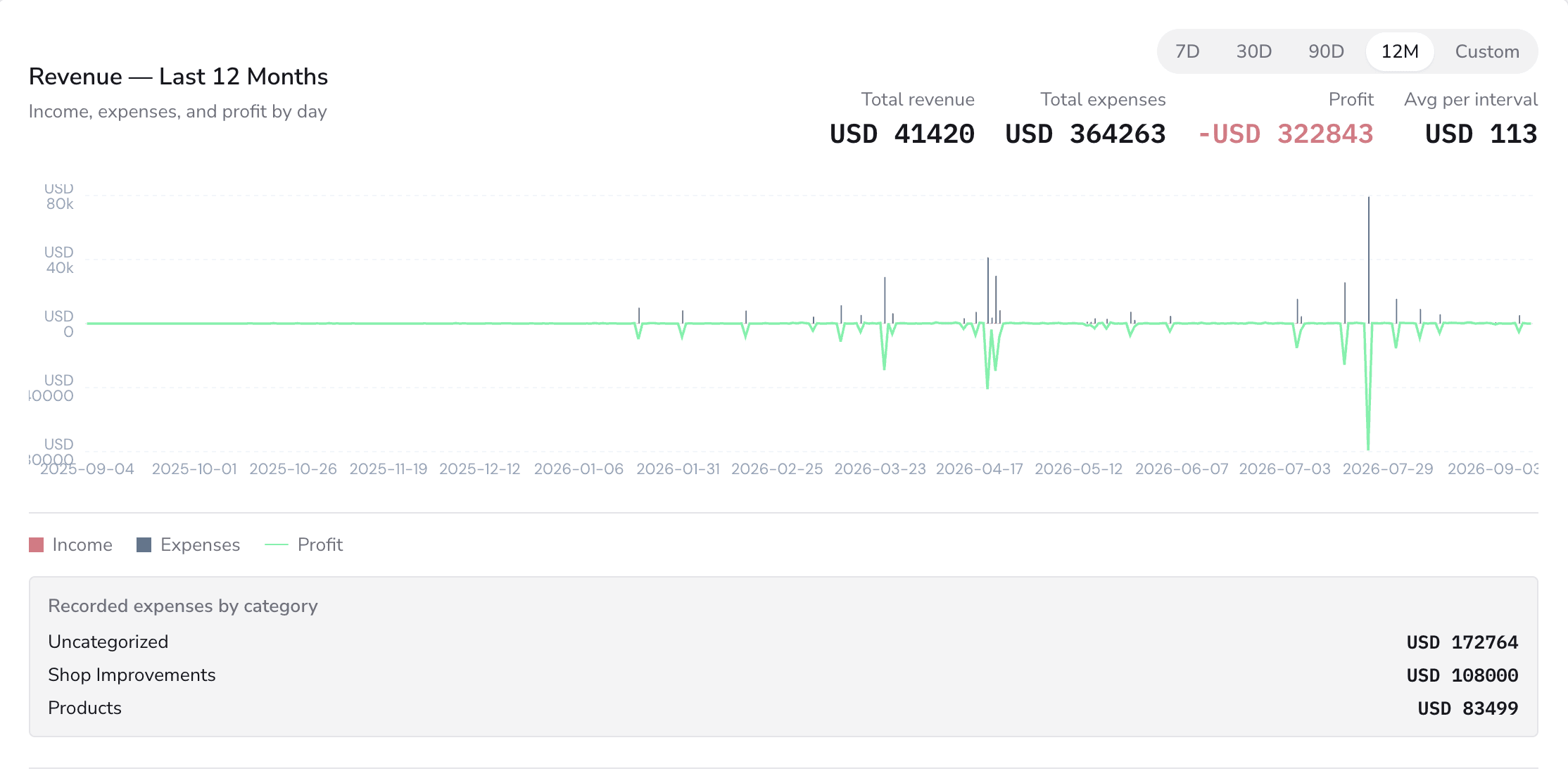
RoseBook puts today’s revenue next to today’s expenses before you leave.
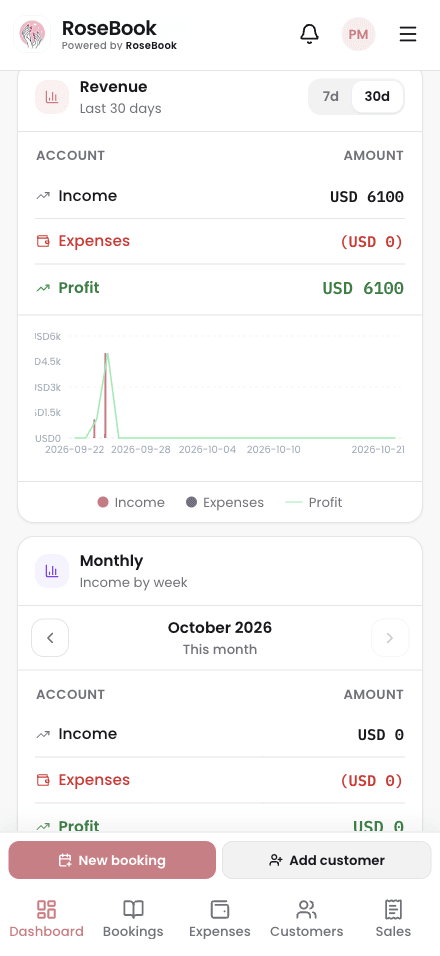
RoseBook weekly revenue and expenses bar chart comparing income and costs week by week

Reports · Weekly revenue against expenses
Also in the same system.

Clients, staff hours, stock, and the service menu.
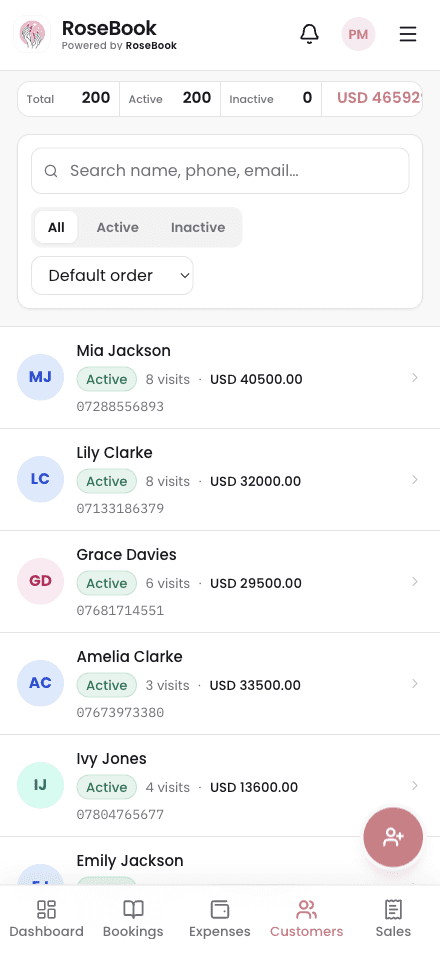
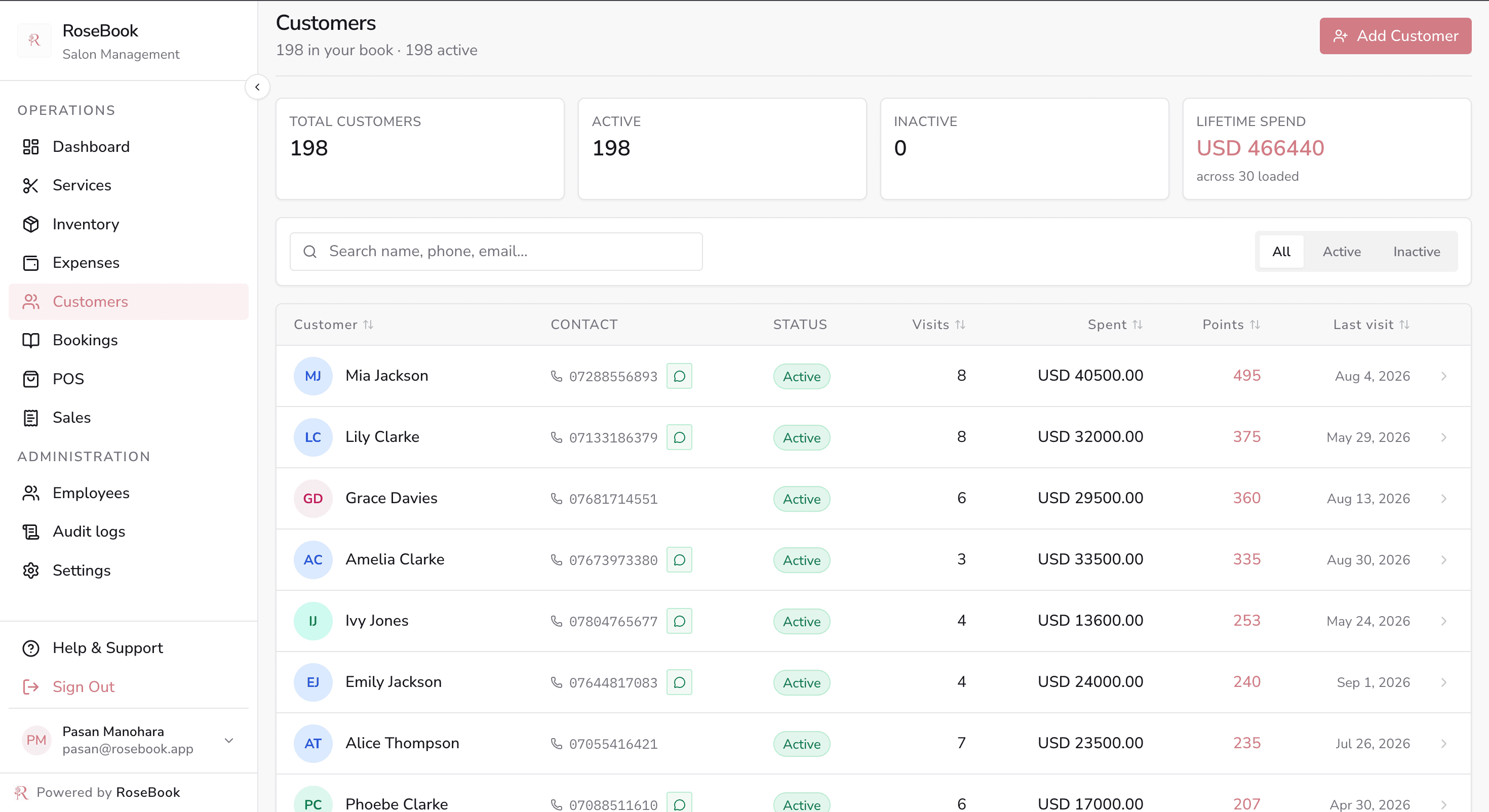
  • RoseBook customers page with a searchable client list and a selected profile showing visits, spend, loyalty points and history
    Clients
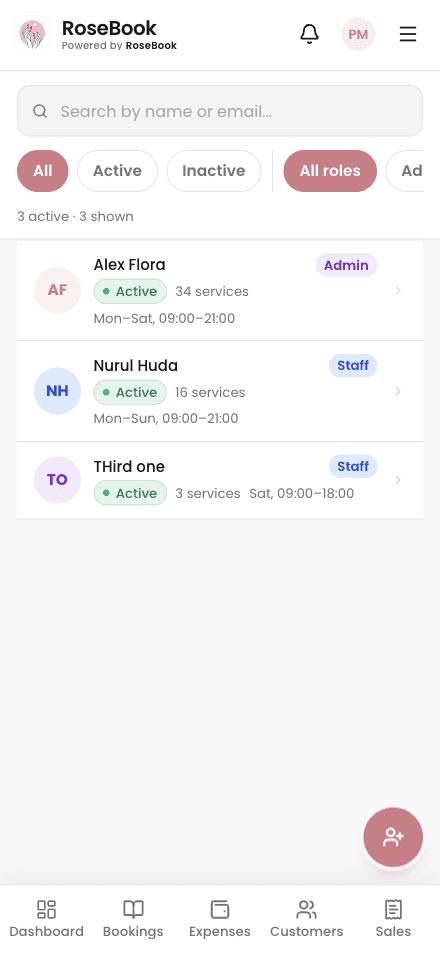
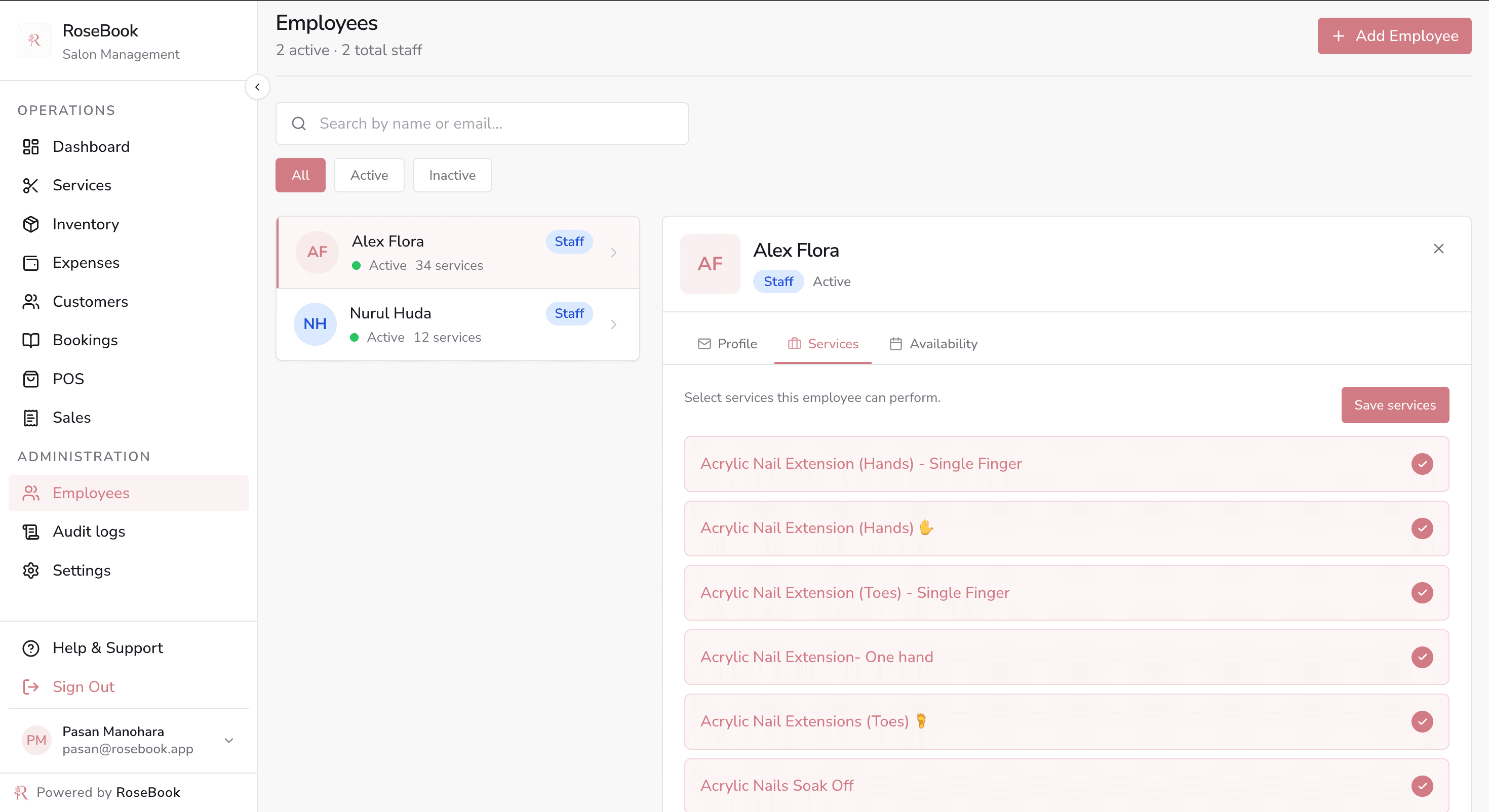
  • RoseBook employees page assigning services to a stylist from the salon menu
    Staff hours
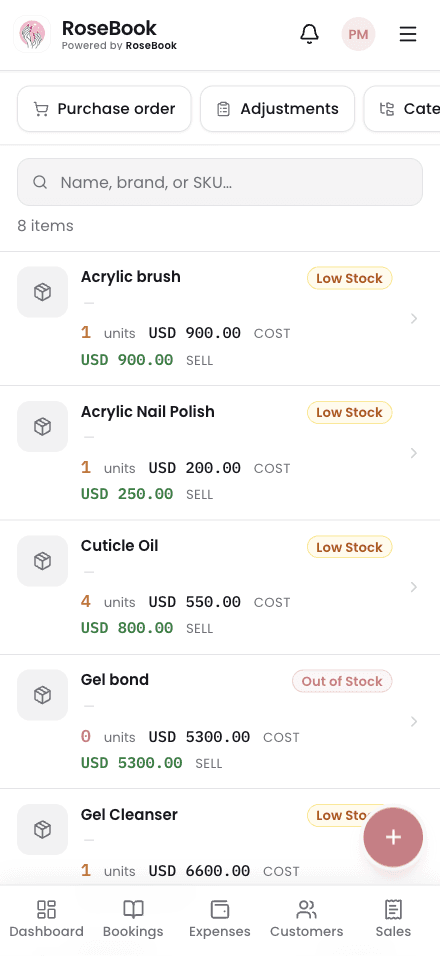
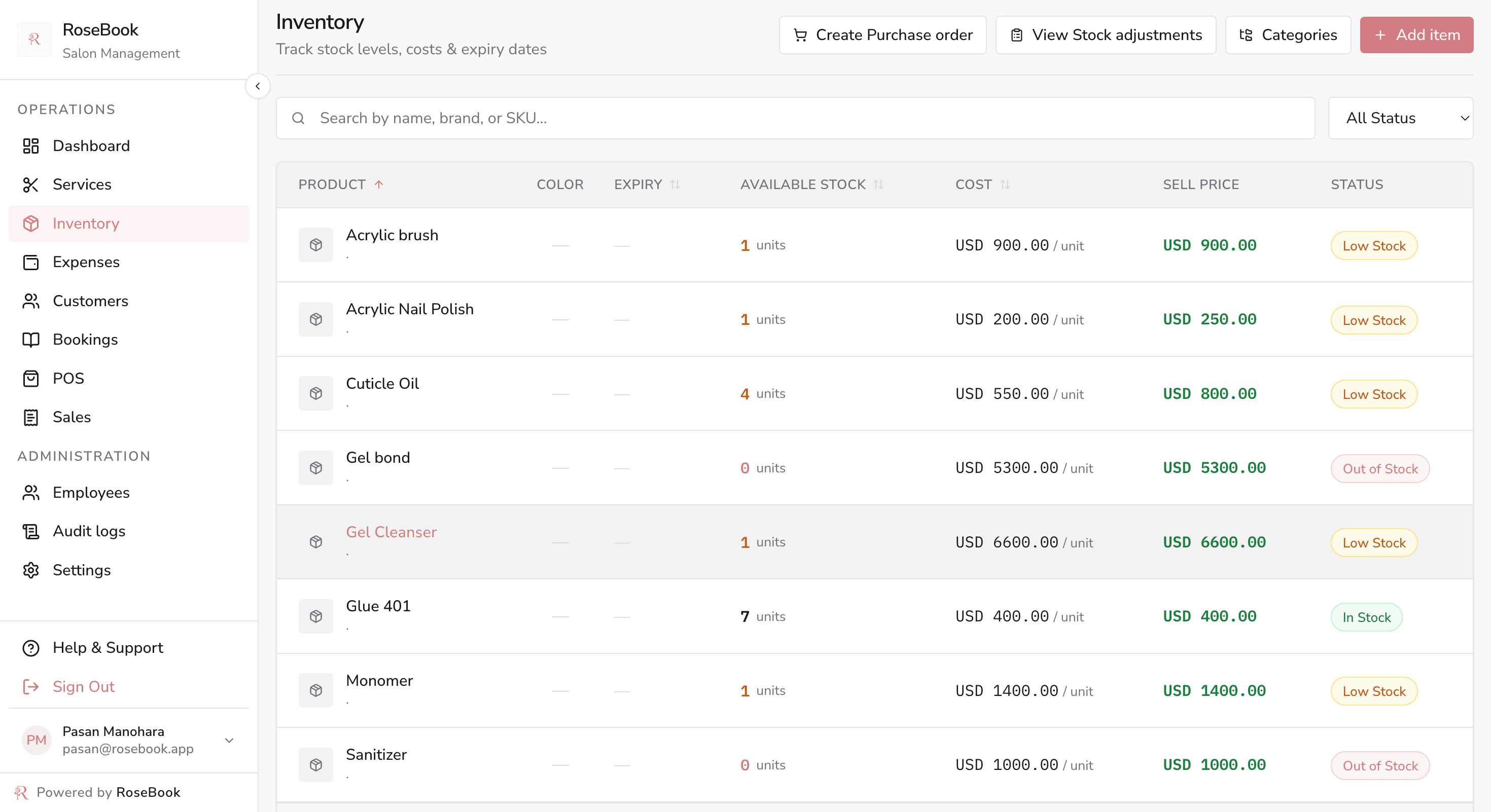
  • RoseBook inventory table showing stock levels, cost, sell price and low-stock or out-of-stock status
    Stock
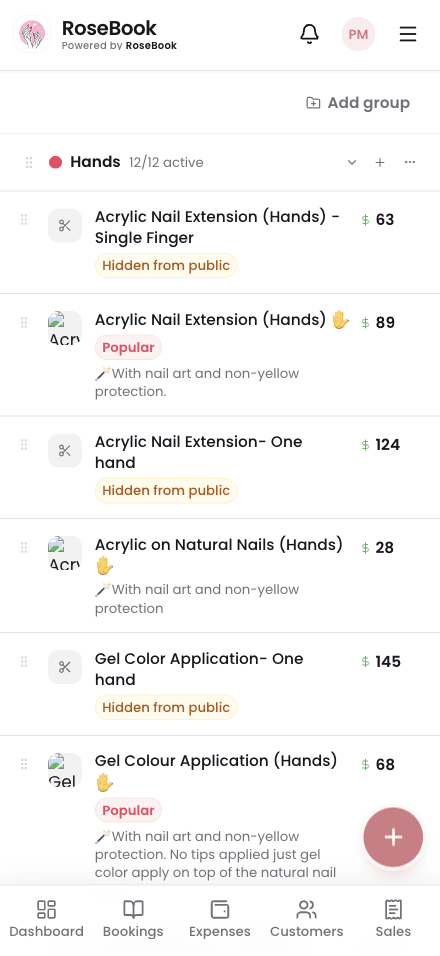
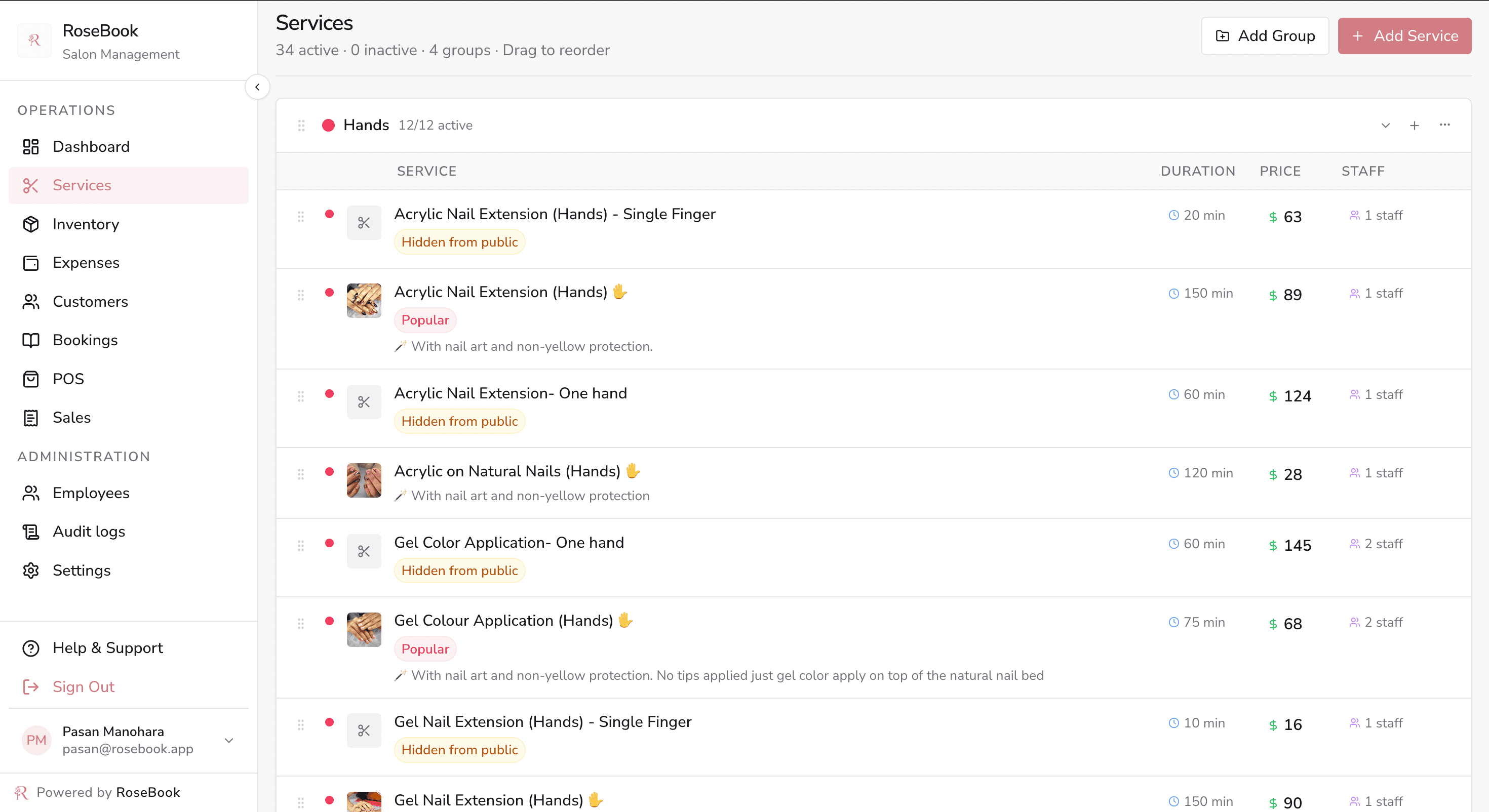
  • RoseBook services page with grouped treatments, prices, durations and staff assignments
    Services

FAQ

Questions

What does RoseBook actually run?

Three things: the appointment book, the point of sale, and expenses. Clients, staff hours, stock, and a public booking page come with them.

How do appointments stay free of double bookings?

The salon shares one calendar. A chair that is already taken cannot be booked again, and each visit can be confirmed, reminded, rescheduled, or sent straight to checkout.

Does the till bill in Sri Lankan Rupees?

Yes. Services and retail go on one sale in LKR, with discount, tax, cash, card, or digital payment, and a printed or SMS invoice.

Can I see whether the day made money?

Yes. Revenue and expenses sit on the same screen, so the day’s takings and the day’s costs are visible before you close.

The book. The till. The costs.